 Jiju Studio
Reel link in.
Hinglish reel out.
Paste an Instagram reel or a tool's website. Jiju Studio writes the script, records the voice, edits a vertical reel in your template and writes captions for every platform — in about the time it takes to make chai.
Only import reels you own or have permission to reuse. No video? Start from a website link.
Day 4 of the Jiju AI series · press play for sound
Three steps, no editing timeline
You give it a source and an angle. The studio does the slow parts — scripting, recording, screen captures, cutting and captions — and hands you a reel you can post.
Paste a link
An Instagram reel you own, an uploaded video, or just a tool's website or GitHub repo. Reel links are downloaded to the studio for you.
Add your angle
Tell it what the reel must say — the free tier, the 3-step setup, the catch. Pick the series day if you post daily.
Tweak and post
Ask for changes in chat, then download the MP4 and captions, or publish and schedule to YouTube.
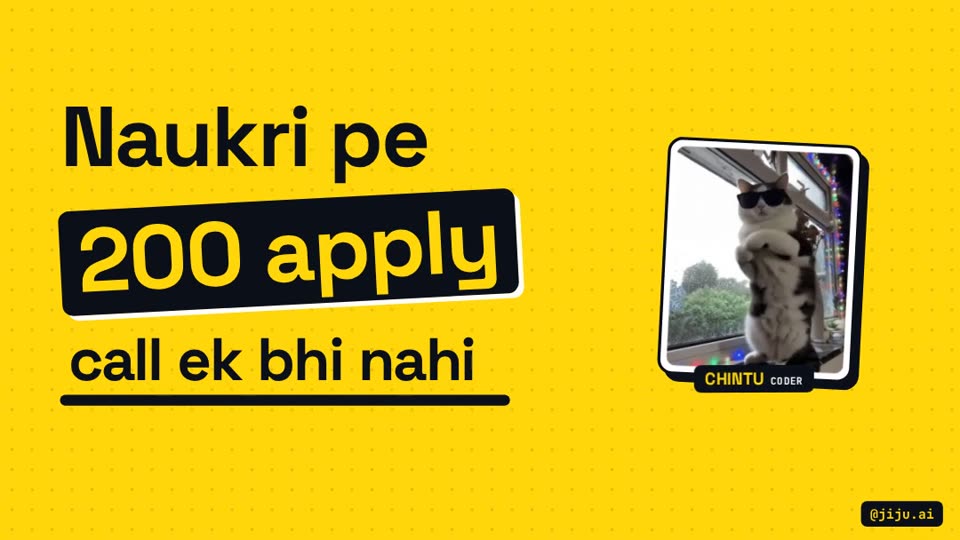
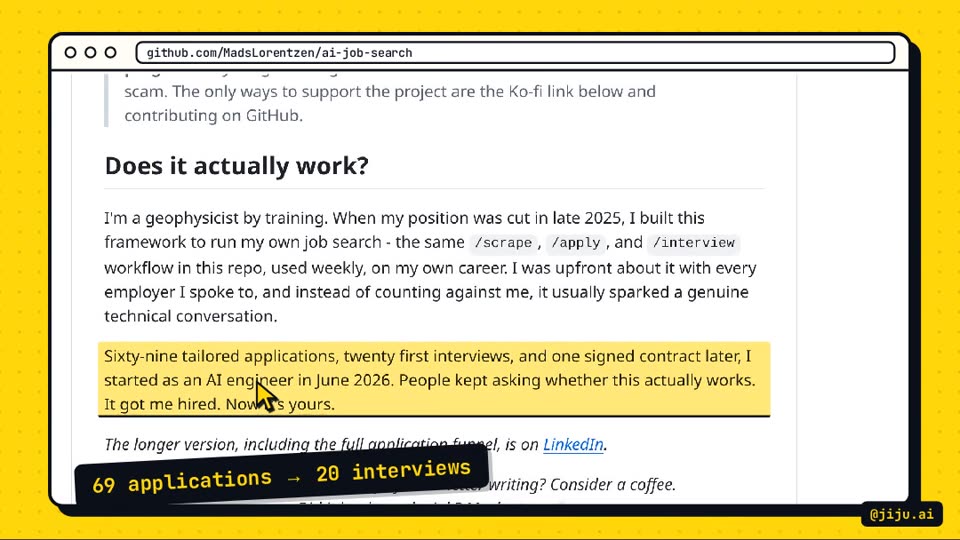
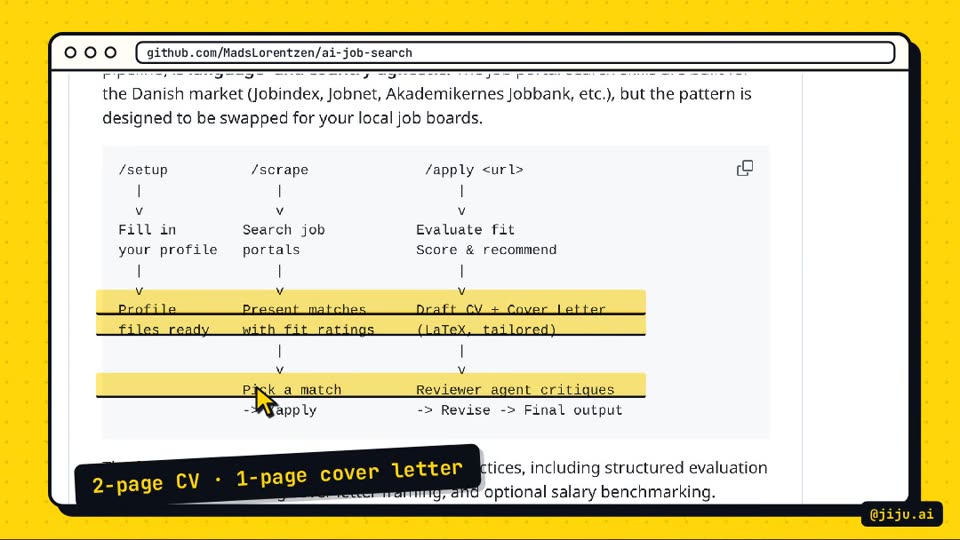
A post-ready reel, not a rough draft
Every reel comes out in the same locked template, so your feed looks like one channel instead of a pile of experiments.
- 1080×1920 vertical video with a punchy hook, a reveal shot and a follow ending.
- Real screen captures of the tool's website in an outlined browser frame, with a marker on the part that matters.
- Hinglish voice-over in an energetic AI voice or your cloned voice, checked for pronunciation.
- Music and sound effects ducked under the voice, whooshes on cuts, key clicks while typing.
- Captions for three platforms — Instagram, Facebook and YouTube Shorts — plus a pinned comment with source links.
Everything a daily reel series needs
Built while running a 365-day Hinglish AI series, so it covers the boring parts that make daily posting hard.
Import by URL
Paste an Instagram reel link; the video lands on the studio server, ready to remake. How reel import works
Hinglish AI voice
A fast, energetic narrator recorded shot by shot with its own mood, or your own cloned voice. About the voices
Edit by chat
“Make the hook shorter”, “re-record line 3” — every change is a new version, nothing is lost.
Captions per platform
Separate copy for Instagram, Facebook and YouTube, with hashtags, tags and a pinned comment.
Trends and autopilot
Daily scan of GitHub, Hacker News, Hugging Face and YouTube India, with a draft reel waiting for review.
Analytics that explain
A 0–100 score per video and plain-language suggestions for what to make next.
Quick answers
What is Jiju Studio?
Jiju Studio is a web studio that turns a reel link, an uploaded video or an AI tool's website into a finished vertical Hinglish explainer reel. It writes the script, records the voice-over, captures the tool's website, edits everything into a 1080×1920 video and writes captions for Instagram, Facebook and YouTube. It is the studio behind the daily @jiju.ai reel series.
How does importing an Instagram reel by URL work?
You paste the reel's link and press Next. The studio downloads the video to its own server, shows you a preview, and then you add notes — the tool's website, the angle, anything to avoid — before it makes the new reel. The downloaded file is only used as source material for your remake.
Can I import any reel I find?
Only import reels you made yourself or have permission to reuse. Jiju Studio is built to explain and remake a topic in your own template and voice, not to re-upload someone else's video. When you build on another creator's idea, credit them in the caption. Read our guide to repurposing the right way.
Which voices can I use?
Two options: an energetic AI narrator voice tuned for fast reels, recorded line by line with a mood for each shot, or your own cloned voice. You pick one in Settings and can switch any time; existing videos don't change.
How do I change something after the reel is made?
Type the change in the reel's chat — for example “make the hook punchier”, “say the price clearly” or “re-record the voice”. Text-only changes are re-rendered without new voice costs; voice changes re-record and render a new version. Every version is kept.
Can Jiju Studio post for me?
It can publish and schedule to YouTube today, after you connect your channel with Google login. Instagram and Facebook publishing is built but waits on Meta's app review, so for now you download the video and post it there yourself.
Can I sign up today?
Not yet. Right now the studio is used by its owner to run the Jiju AI series. You can join the waitlist by email and we will write when accounts open.
Make your next reel in minutes
Paste a reel link or a tool’s website. Jiju Studio does the script, voice, edit and captions.